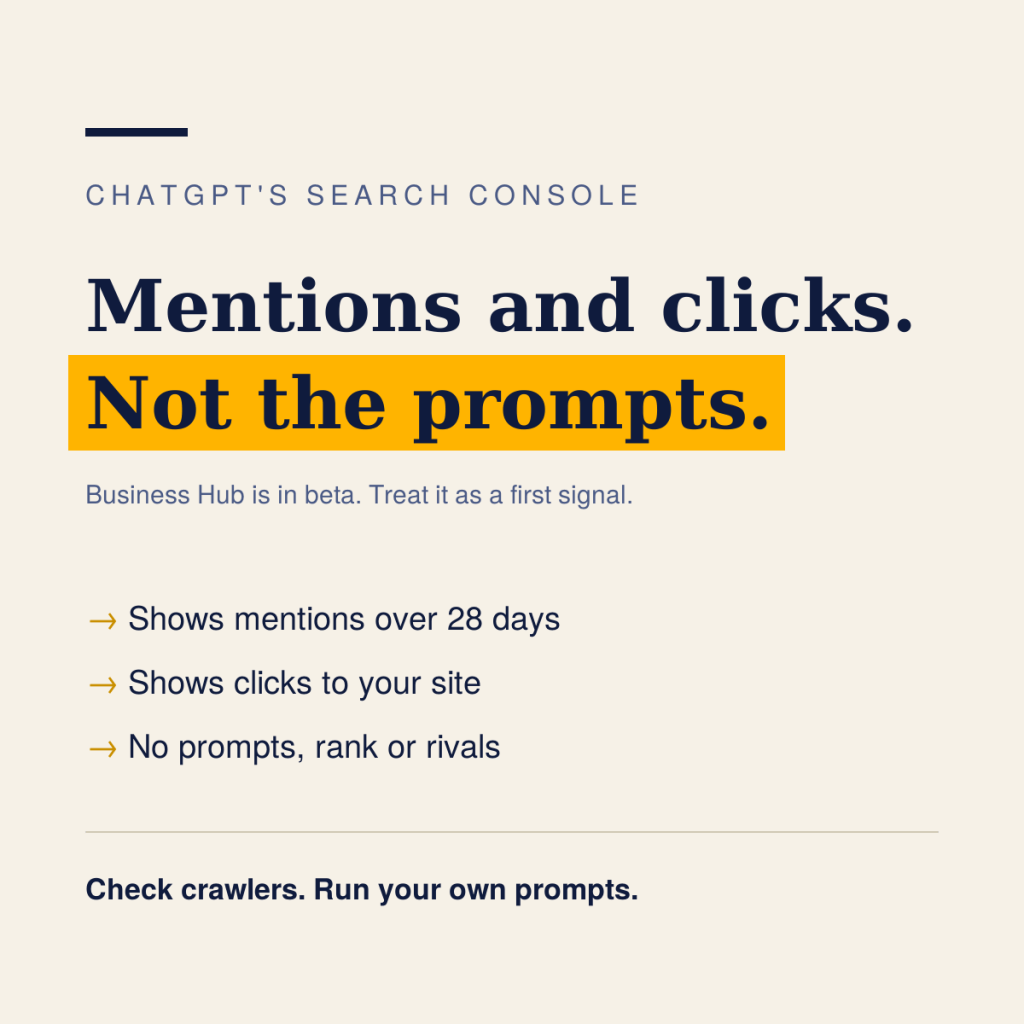
ChatGPT now has something close to a Search Console, but it is a small, early one. “ChatGPT Search Console” is an industry nickname; OpenAI calls the tool Business Hub, part of a beta called Businesses in ChatGPT that Relevant Audience and HelloGrowth report OpenAI launched on 10 November 2026.
It tells you how often ChatGPT mentions your business and how often people click through to your site. It does not show you the prompts, your ranking or your competitors. Marketers should treat it as a first signal, not a full measurement system.
What OpenAI has launched
Business Hub lets an eligible business claim its listing in ChatGPT, update key details and add product feeds with pricing and availability. A separate Insights view reports how ChatGPT is surfacing you. Per Relevant Audience, Business Agents, a branded assistant that answers questions inside ChatGPT, sit alongside it.
According to HelloGrowth, citing OpenAI’s help article, Insights cover the past 28 days and show three things:
| Metric | What it counts | Caveat |
|---|---|---|
| Mentions | For an online business, times ChatGPT referenced your website | A brand name alone is not a mention |
| Website clicks | Recorded clicks on links to your site | Per OpenAI’s help text, they “don’t confirm website visits or conversions” |
| Discovery topics | Recurring themes in answers that cited you | Themes only, not individual user questions |
A few conditions shape how useful this is today:
- Privacy thresholds. Insights appear only once there are enough conversations, so smaller brands may see nothing yet.
- Verification. HelloGrowth lists a code to a business phone or email, a DNS TXT record, or a Shopify connection, followed by an identity check through a third party, Persona.
- Geography. Claiming is open wherever ChatGPT is available, but Business Agents are limited at launch to online shops and online services in the United States. Relevant Audience notes that no country list was published.
- Cost. Free for now, per Digiday as relayed by Relevant Audience; a paid model was not ruled out.
- No promise of lift. Relevant Audience reports OpenAI saying claiming should not change how often a business appears; HelloGrowth says it does not guarantee more recommendations or sales.
How it compares with Google Search Console
Google Search Console tells you which queries brought people to which pages, and where you ranked. Business Hub, as reported so far, tells you only how often and how much. That is a real gap for anyone trying to improve rather than just observe.
| Question a marketer asks | Google Search Console | ChatGPT Business Hub (beta) |
|---|---|---|
| How often did we show up? | Impressions per query and page | Mentions, past 28 days |
| Did people click? | Clicks per query and page | Website clicks, not confirmed visits |
| What were people asking? | Query data | Discovery topics only; no prompts |
| Where did we rank? | Average position | Not shown |
| How do we compare with rivals? | Not shown | Not shown; share of voice is not in the beta |
| Can we pull the data out? | Export and API | None described, per Relevant Audience |
How to measure ChatGPT visibility today
Business Hub covers one slice. A workable measurement routine combines it with three things you control.
- Check crawler access first. OpenAI’s crawler documentation lists OAI-SearchBot as the bot that surfaces sites in ChatGPT’s search features, controlled by robots.txt, with changes taking about 24 hours to apply. GPTBot relates to model training. ChatGPT-User fetches pages when a person asks, and robots.txt rules may not apply to it. Blocking the wrong one is the cheapest way to disappear.
- Look in your own analytics and server logs. Check referral traffic from chatgpt.com and requests from OAI-SearchBot. This is my suggested routine, not an OpenAI-documented report, and it shows visits that Business Hub’s click count does not confirm.
- Run a fixed set of prompts on a schedule. Pick ten to fifteen questions a customer would ask, run them weekly, and log whether your brand appears, what ChatGPT says about it, and which sources it cites. This is the manual version of the share-of-answer idea from my earlier post, and it is the only way to see competitors.
- Claim your business and read Insights. If you are eligible, treat mentions and clicks as a trend line, not a target. Remember the privacy thresholds and the lack of export.
Together these answer four different questions: can ChatGPT reach us, did anyone arrive, what does it say, and how often does it mention us.
A checklist for this week
- Confirm robots.txt allows OAI-SearchBot, and decide separately on GPTBot
- Look for OAI-SearchBot in server logs and chatgpt.com in referral reports
- Write ten to fifteen customer questions and run them in ChatGPT; log the answers and cited sources
- Ask IT and compliance who would own a Business Hub claim, then try it
- Fix any wrong or outdated offer you find on pages you control
- Re-run the prompts weekly and note changes
Business Hub is a start, and the tool will likely change quickly while it is in beta. The habit of measuring, checking and correcting is worth building now, whatever OpenAI adds next.
Sources
- Relevant Audience: Businesses in ChatGPT, secondary coverage citing OpenAI’s announcement, Digiday and Search Engine Roundtable
- HelloGrowth: Claim your business in ChatGPT, secondary coverage citing OpenAI’s help article
- OpenAI: Overview of OpenAI crawlers, official
- Search Engine Roundtable: ChatGPT tools for business, early report from 6 November 2026, based on a LinkedIn post by Juozas Kaziukėnas
- GrowthX: Is OpenAI building a ChatGPT AI Search Console


Leave a Reply